
Judge an image model by its fifth round of changes
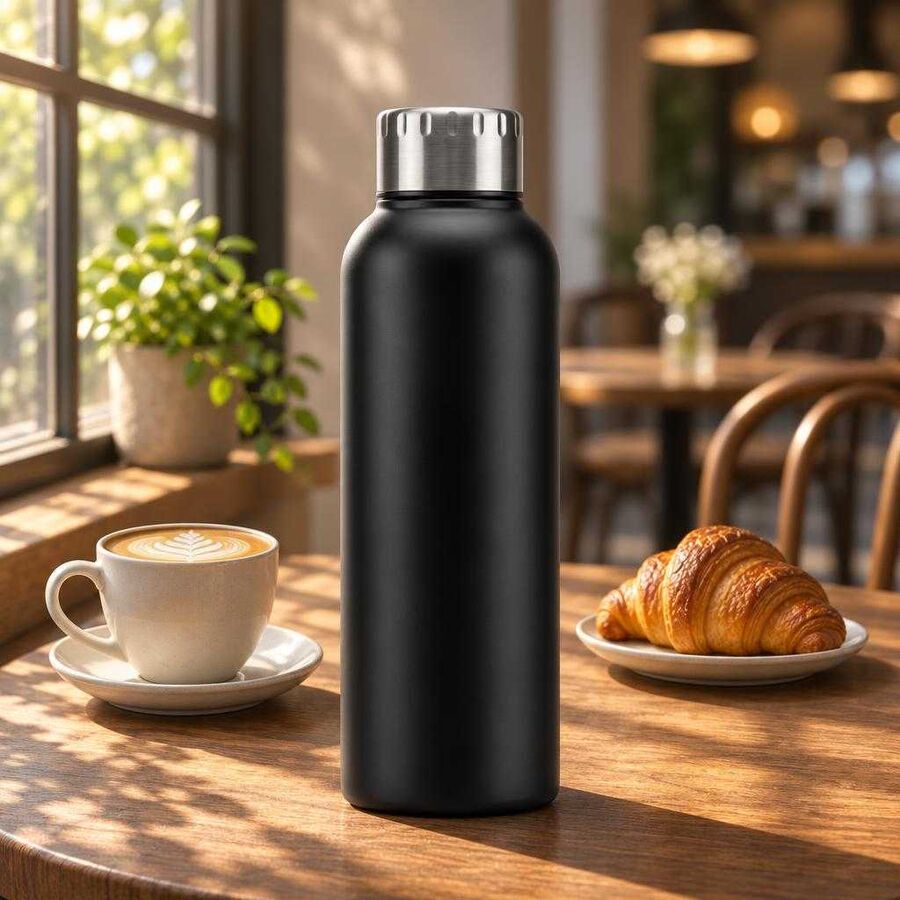
We asked four image models, OpenAI's new GPT Image 2.6 among them, to change one product scene five times in a row. In this test all four made the first change as asked. Over the later rounds, GPT Image 2.6 Flare made the bottle's matte finish rougher with every edit. Google's Nano 2 turned a black bottle bronze when we asked for warmer light. Both Sunburst models kept the product through all five changes.
OpenAI released GPT Image 2.6 on 4 November in two versions, Flare and Sunburst (TestingCatalog). Both versions were in Toolkit, the Instant Studio creative workflow platform, within days, and client teams can already select either one in their own workflows. OpenAI's guide calls Flare "the smaller model for workflows where speed matters most" and recommends Sunburst for work that needs more detail or precise edits (OpenAI).
A model's first image says little about how the model will perform on client work. Brand, legal and creative reviewers ask for several rounds of changes before they approve a campaign image. The model makes each change as a new render from the previous image. If a model changes a little more than the reviewer asked for each time, those extra changes add up over the rounds.
How we tested
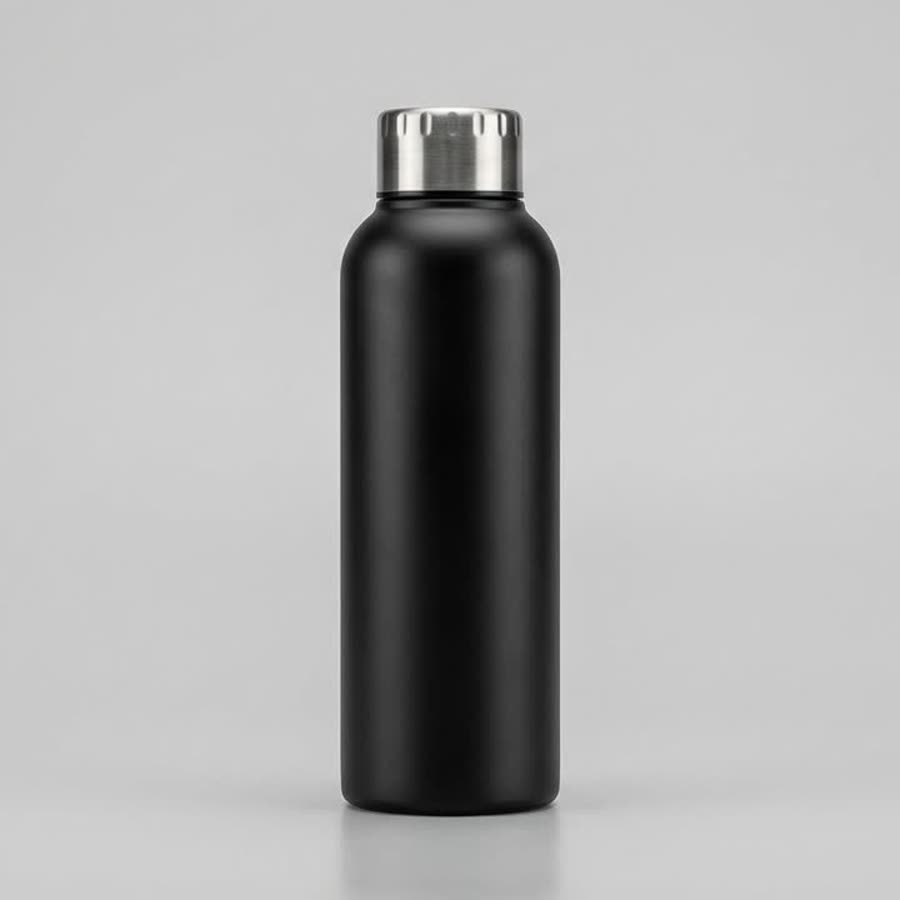
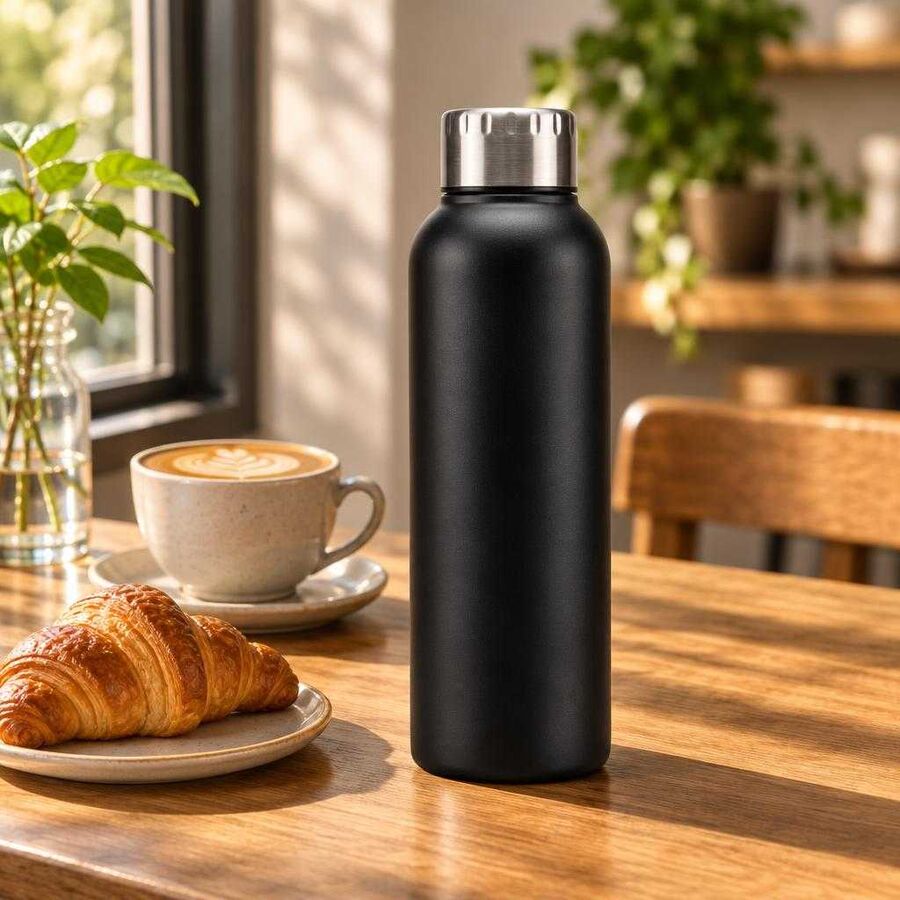
In September we tested GPT Image 2.5 with one edit per model (Stop pricing AI images by the render). We said then that one edit cannot show whether a model stays consistent over many rounds of revision. On 10 November we gave four models in Toolkit the same studio photo of a matte black bottle. The prompt was also the same: place the bottle on a sunlit wooden café table beside a flat white and a croissant. We then asked each model for five changes in a row, each made from that model's previous result. Each prompt named the one thing to change and listed everything that had to stay as it was.
The four models were GPT Image 2.6 Sunburst, GPT Image 2.6 Flare, GPT Image 2.5 Sunburst (the version that 2.6 Sunburst replaces) and Nano 2, our everyday default. Nano 2 is Toolkit's name for Google's Gemini 3.1 Flash image model. That makes one sequence of six images per model and 24 renders in all, so treat the results as a first read.
We left every setting at Toolkit's defaults. OpenAI's new complexity setting, which controls how much a 2.6 model plans before rendering, stayed at OpenAI's default of high. The times run from the moment Toolkit started a job to the moment the image was ready, so they include Toolkit's own processing as well as the model's. Toolkit saved each result as a JPEG, and the next round started from that file. The bottle and the café were made up for the test.
| Model | Avg. time per render | Changes made | Bottle finish after round four | What a reviewer would flag |
|---|---|---|---|---|
| GPT Image 2.6 Sunburst | ~29s | 5 of 5 | Smooth, as in the first image | Nothing we found |
| GPT Image 2.6 Flare | ~10s | 5 of 5 | Rougher after every round | A pebbled finish on a matte bottle |
| GPT Image 2.5 Sunburst | ~18s | 5 of 5 | Smooth, with slight grain | Nothing we found |
| Nano 2 | ~12s | 5 of 5 | Smooth, with slight grain | A bronze bottle after the change of light |
2.6 Flare was the fastest model in the test, at about 10 seconds a render. In September, 2.5 Flare averaged 15 seconds on different briefs, so treat that pair as a rough comparison. The two Sunburst versions ran on the same day and the same requests: 2.6 Sunburst averaged 29 seconds a render, and 2.5 Sunburst averaged 18.
Every model made the first change as asked
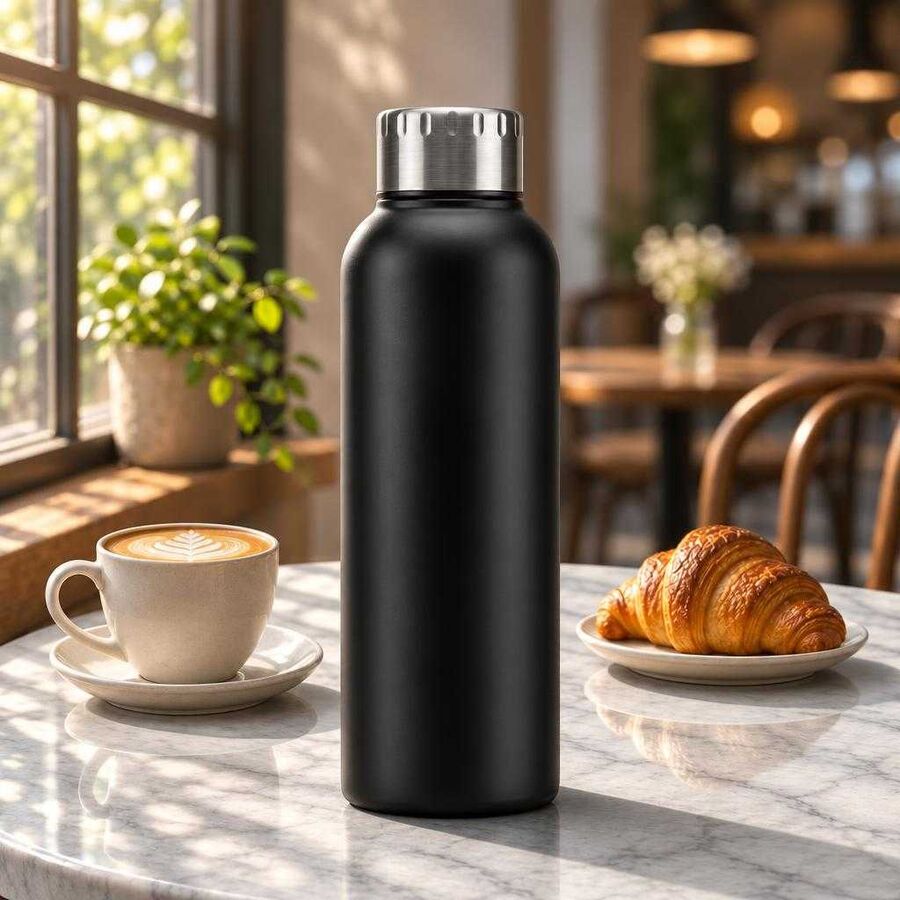
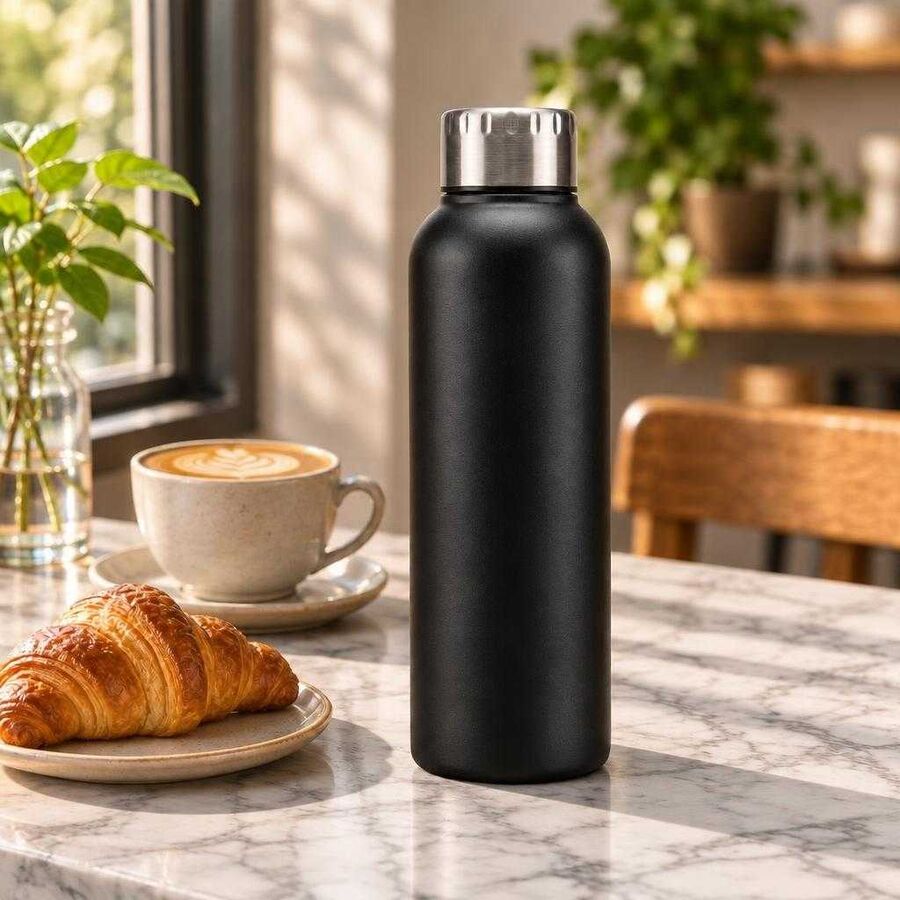
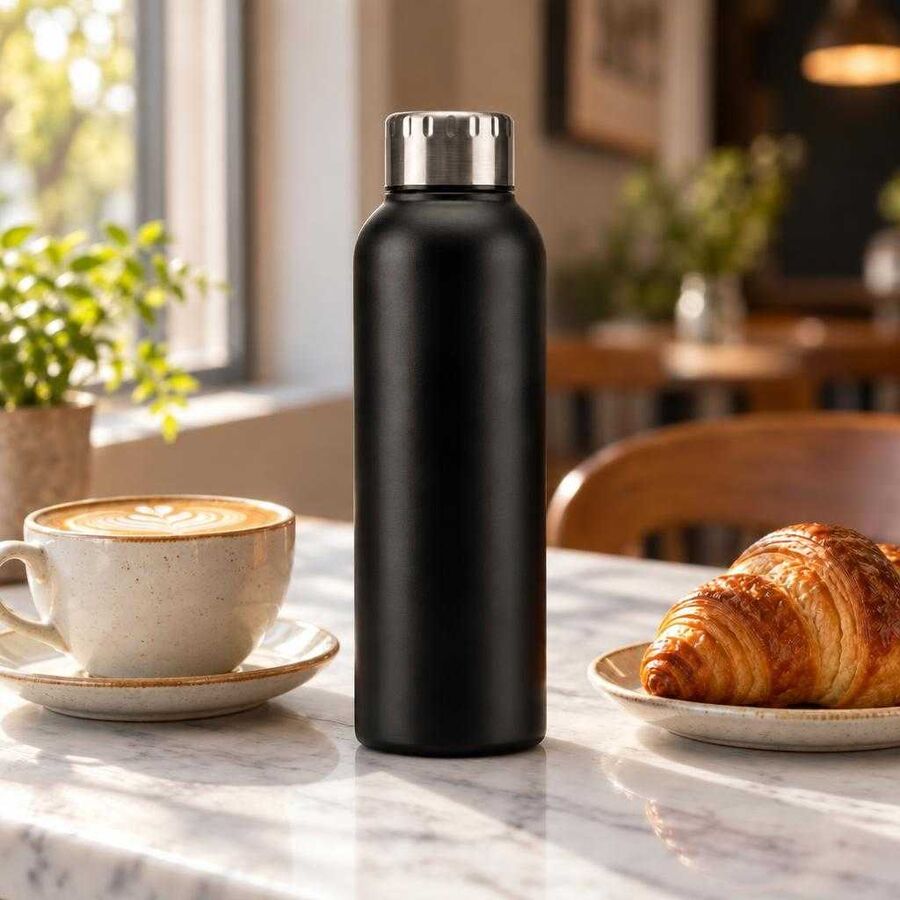
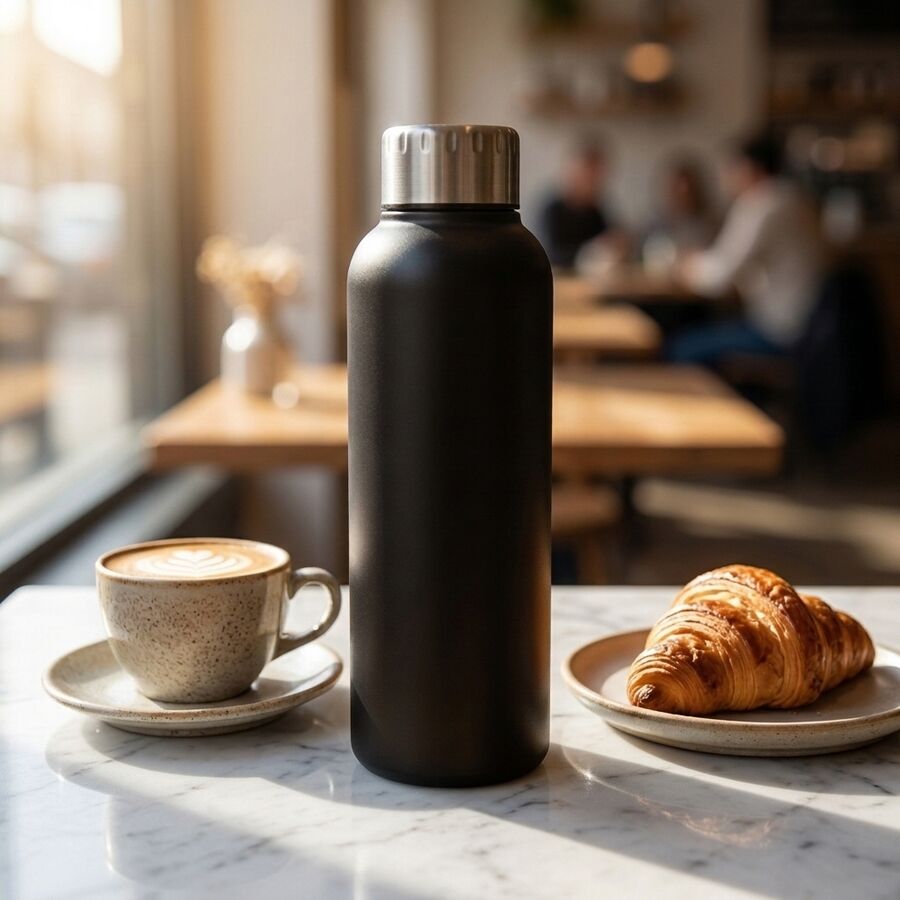
The first change was the one we ran in September: replace the wooden tabletop with white marble and leave everything else alone. All four models made the change and kept the bottle, the cup, the croissant and the sunlight falling across the table. Looking at the four images, we saw no reason to prefer one model. Our later measurement shows that Flare's score had already started to rise after this edit, but we would have passed all four images.
Every model also made the next three changes as asked. Each one removed the croissant, recoloured the cup and laid the rosemary to the right of the bottle, without moving the camera or rearranging the room.
Flare made the bottle's finish rougher with every round
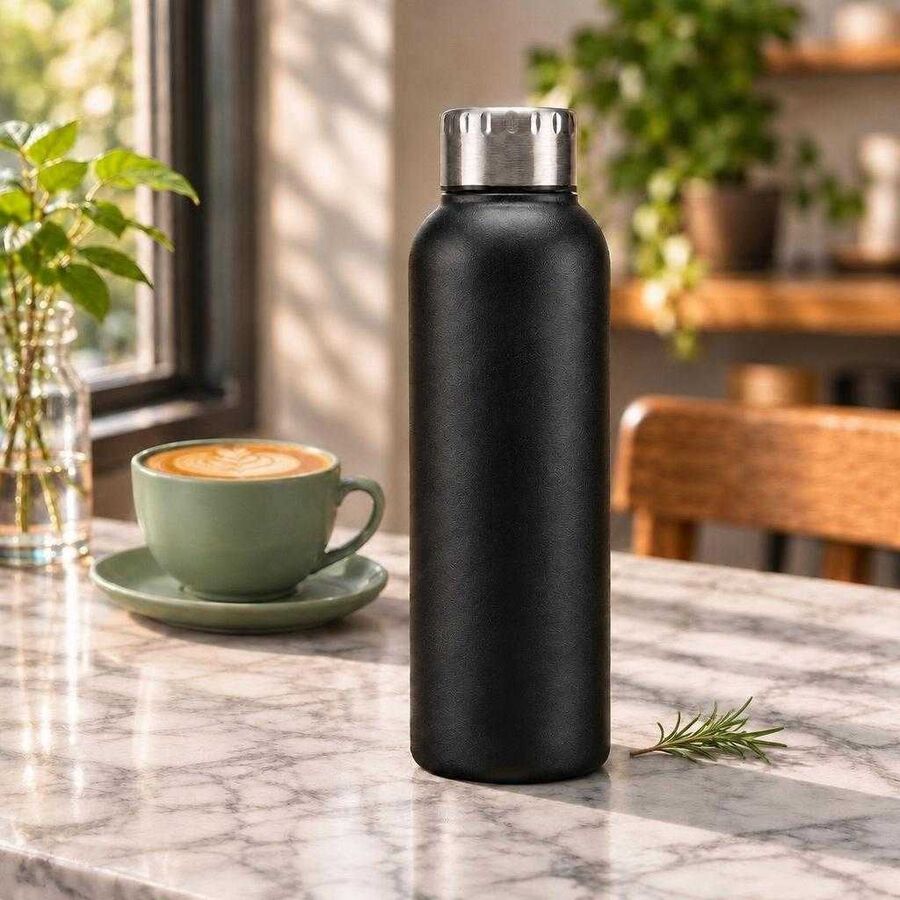
We found the difference on the bottle itself. In Flare's round-four image the bottle's smooth matte finish looks like a pebbled coating, and a reviewer checking the image against the product would see the difference.
To follow the change round by round, we scored the fine detail in the same patch of the bottle after every round. 2.6 Flare's score rose after every round, including the first, and by round four it was three and a half times the score of Flare's first image. The scores of the other three models rose by about a third or less over the same four rounds, and 2.6 Sunburst's score rose least.
How we measured. We took a patch 80 pixels wide and 200 pixels tall from the middle of the bottle in each 1,024-pixel JPEG from Toolkit. We converted the patch to greyscale and averaged its difference from a copy blurred with a Gaussian blur (sigma 3 pixels). The chart shows that average in thousandths of the full brightness range. Lighting, JPEG compression and sharpening also raise this score, so the score is an indirect measure of the finish. Round five changed the light, so we compare the models up to round four.
2.6 Flare made each requested change as well as the other models did. It also roughened the bottle's finish without being asked, and the change built up because each round starts from the previous image. A single edit shows little of this drift, so a reviewer who checks only the first round would miss the change.
Nano 2 turned the black bottle bronze when the light changed
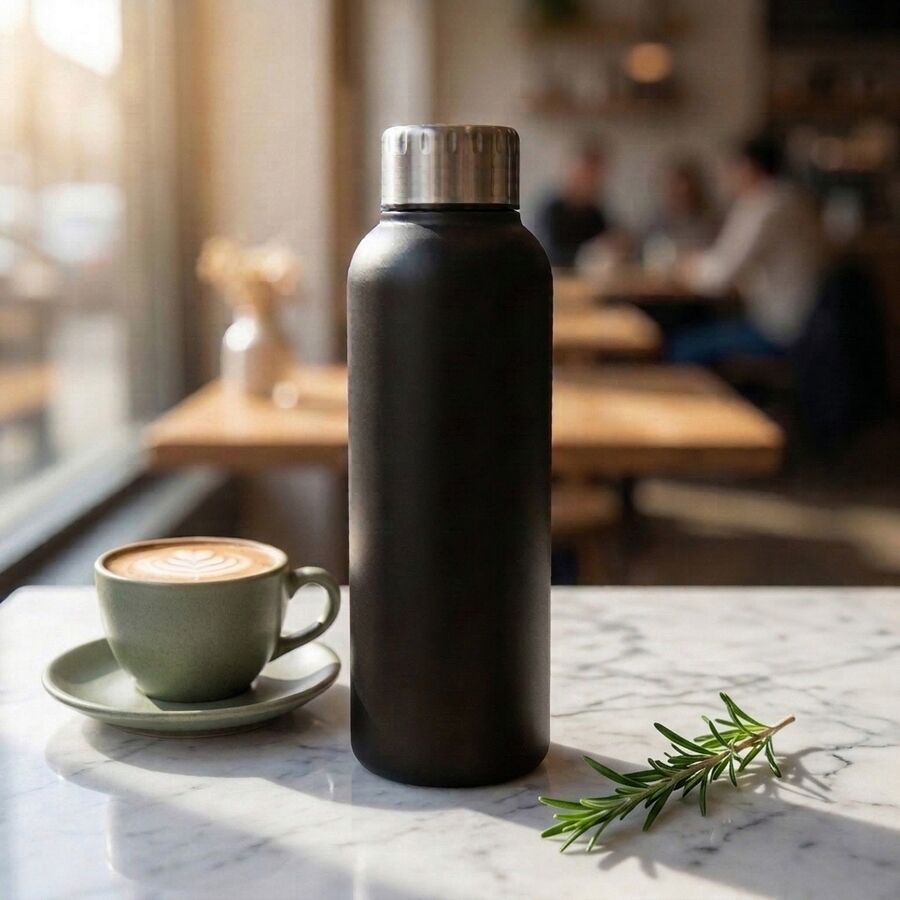
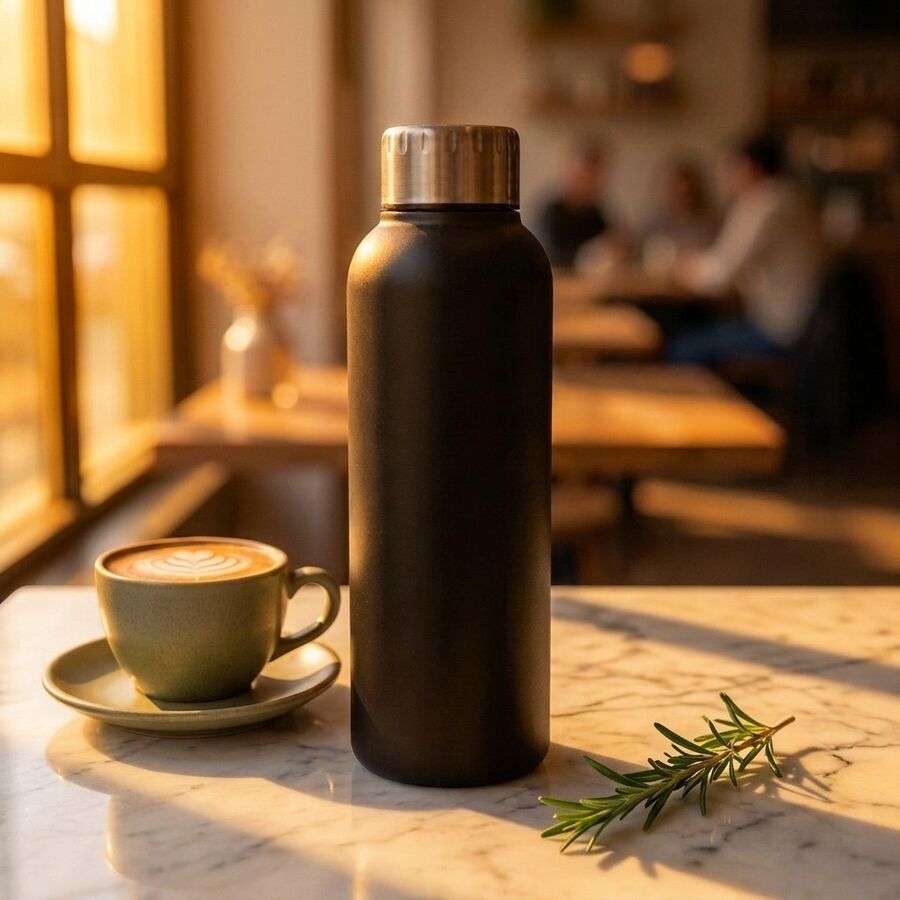
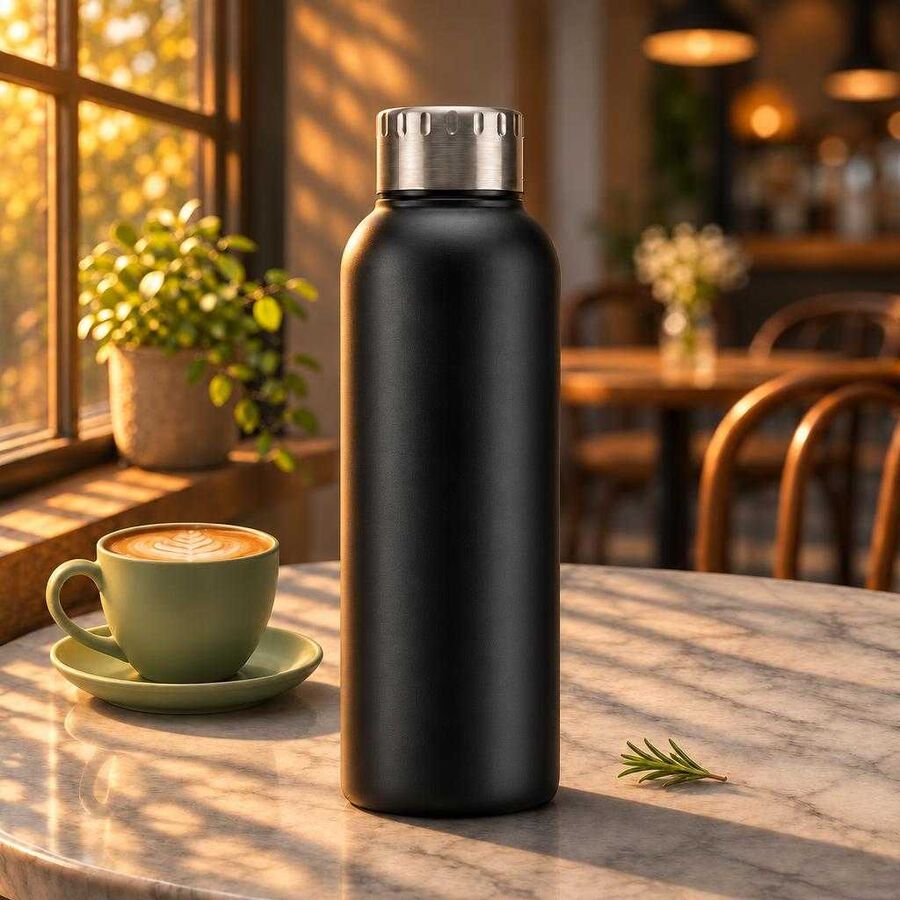
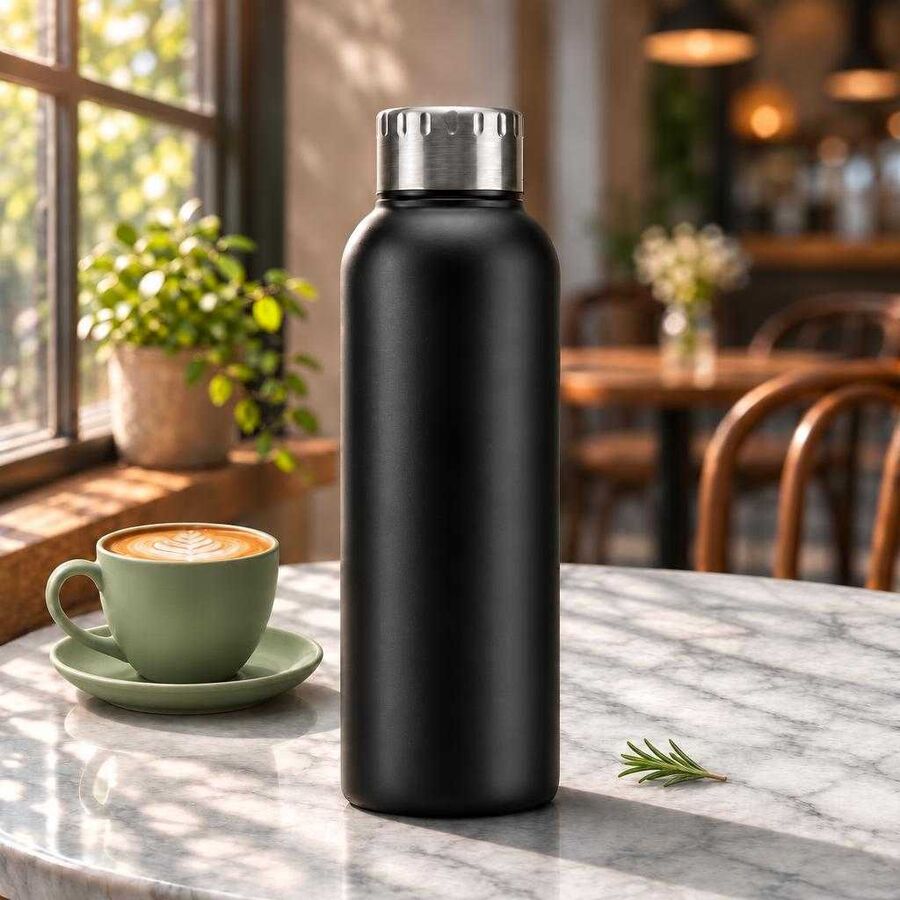
Our last request was for warm late-afternoon sun from the same window. A change of light affects every part of the frame, so each model had to relight the bottle without changing its colour. 2.6 Sunburst warmed the room and the tabletop and kept the bottle black, with a warm edge along the side facing the window. Nano 2 warmed the scene so far that the black bottle looks bronze, and it redrew the window behind the table as a bright amber frame. A brand that sells this bottle in black would reject that image. 2.5 Sunburst and 2.6 Flare kept the bottle dark, although the warm light shows the rough texture on Flare's bottle more clearly.
What we will change, and what we will test next
What this test showed. Both Sunburst models kept the scene and the product through five rounds, and 2.6 Sunburst kept the bottle's finish closest to the first image. We will use 2.6 Sunburst for images that need several rounds of changes. In September we said we would run this test before we gave Sunburst that work. 2.6 Sunburst was also the slowest model in the test, at about 29 seconds a render.
Where Flare fits. 2.6 Flare was the fastest model and handled each single change as well as the others. We will use it for first images and single edits. Our next test will check whether Sunburst can take over an image that Flare started without keeping the rough finish.
Where Nano 2 stays. Nano 2 kept the product unchanged through four rounds and remains our default for large volumes of simple images. When a brief changes the light on a product, we will compare the product's colour with the reference before the image goes to review.
What we have not tested yet. OpenAI recommends a low complexity setting for changes to one detail, and we left the setting at its default of high (OpenAI). We will test whether a lower setting makes 2.6 Sunburst faster without losing the finish. We will also repeat the sequence on more products before we treat these results as settled.
Teams that work with us had GPT Image 2.6 in their workflows within days of its release. When a lab releases a new model, we add the model to Toolkit and test it on our own briefs, as we did here. A team can then switch one step of a Creative Workflow to the new model. The brief, the reference images, the brand rules and the approvals stay as they were (see Approve the workflow once). We move a step of a client's work to a new model only where the model passes review.
If you are choosing between image models or vendors, ask to see the fifth round of changes on your own product, at full size, next to a photo of the product.